Today, I wanted to talk about the Oniverse Starion. For around $60 (€55), this wireless controller packs Hall Effect thumbsticks, four back paddles, dual-stage triggers, and cross-platform compatibility stretching from the PS5 all the way to the iPhone. Looking at that spec sheet, you can’t help but wonder where the catch is. So I put it through its paces on both my PS5 and my PC, and I’ll spoil the ending right now: it’s easily one of the year’s best surprises in the budget controller category.
The Oniverse Starion delivers drift-free Hall Effect thumbsticks, programmable back paddles, macros, and dual-stage triggers for €54.99 (~). While it skips the DualSense's adaptive triggers and haptic feedback, it stands out as a smart pick for budget-conscious gamers and PC players.
Check out the Starion on Oniverse’s official site
Design and Build Quality
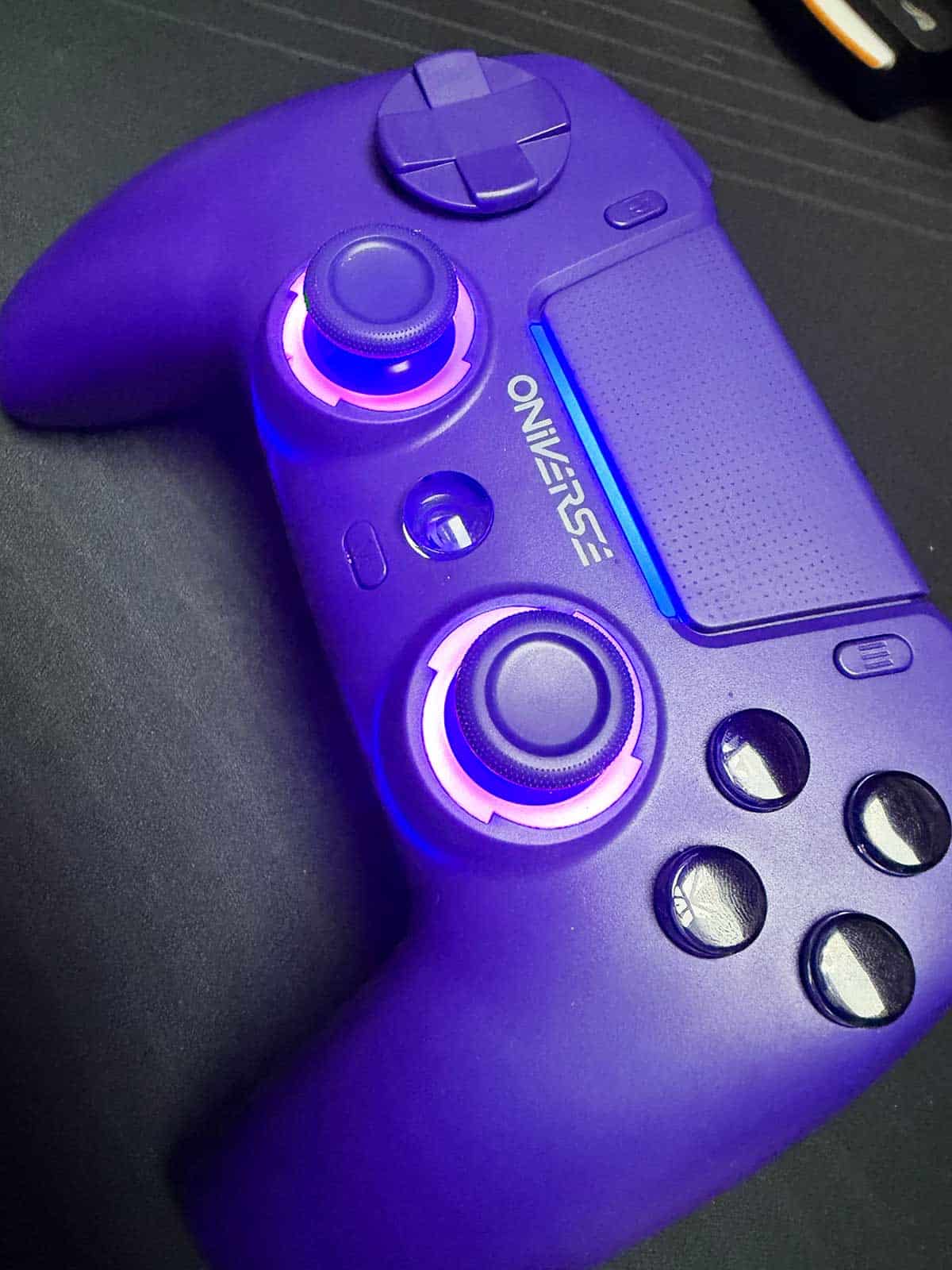
From the very first moment I picked it up, the Oniverse Starion reminded me of a DualSense—which makes total sense given it shares the exact same silhouette. The twist is that it squeezes in eighteen buttons, which is pretty rare for a controller priced under $60 (€55). The D-pad, ABXY face buttons, LB/RB bumpers, and LT/RT triggers are all mechanical, delivering that crisp, tactile click the brand compares to a gaming mouse. In practice, every press feels sharp, responsive, and downright satisfying.
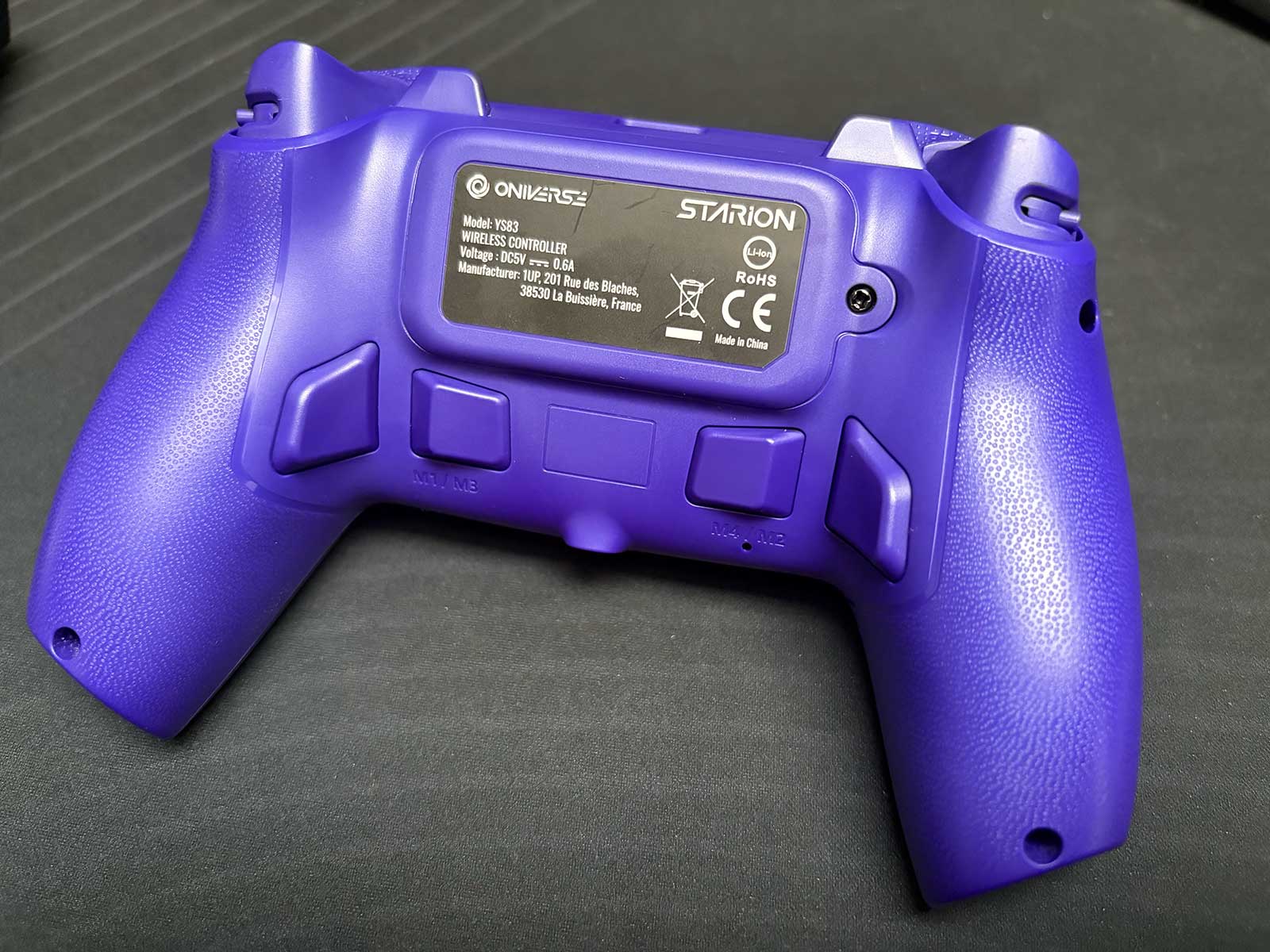
Flip it over and you’ll find four programmable back paddles, joined by two extra L4/R4 shoulder buttons. That puts six extra inputs at your fingertips without ever taking your thumbs off the sticks—a luxury Sony doesn’t even offer on the pricey DualSense Edge. Visually, Oniverse offers four colorways along with LED lighting featuring 4 modes and 5 brightness levels. I’m not usually much of a flashy lights guy anymore, but I have to admit it looks pretty slick here, and RGB fans will eat it up. Personally, though, the detail that won me over most is a humble little physical switch—the one that changes the trigger travel.
Oniverse Starion Performance and Everyday Use
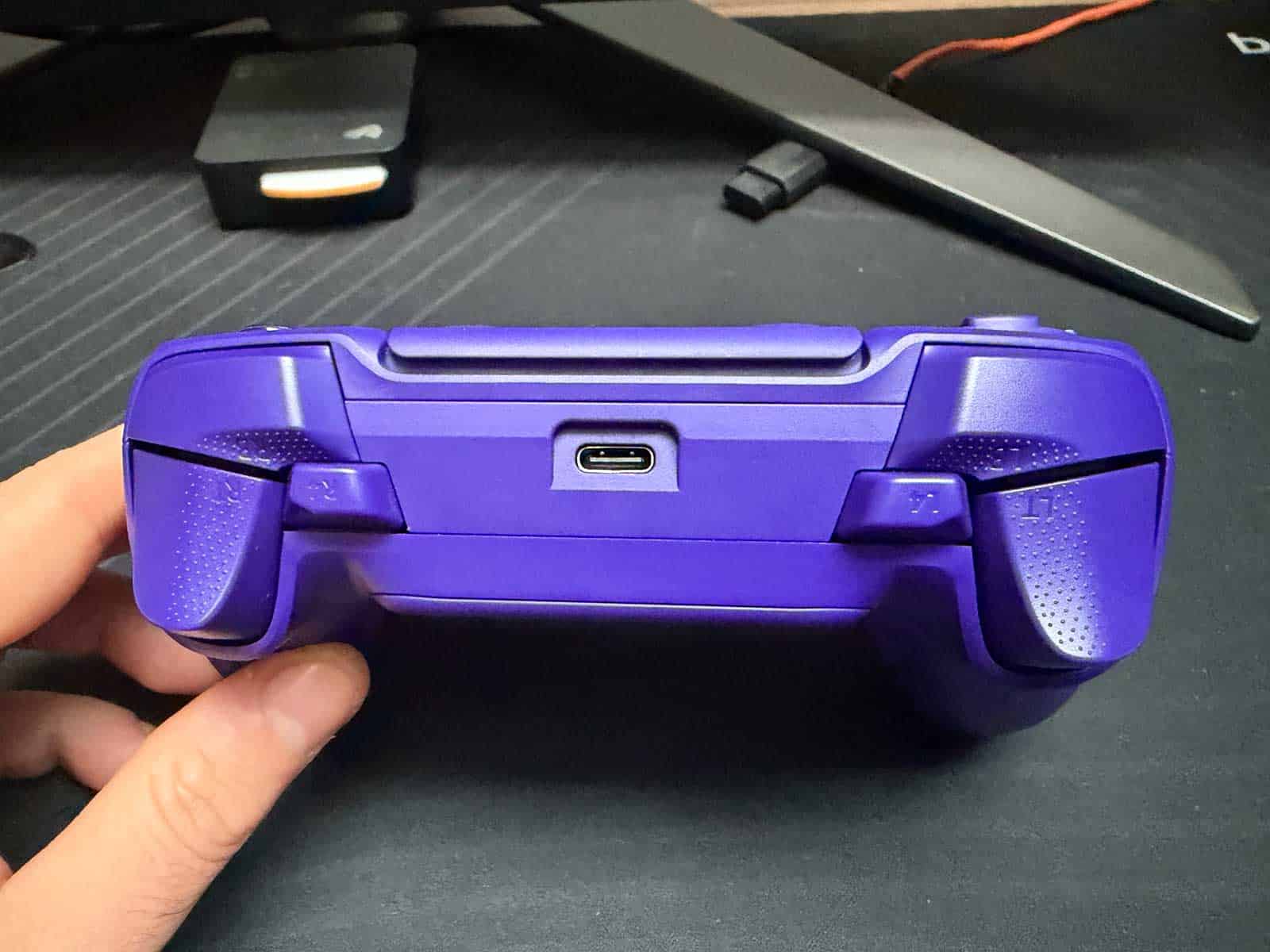
What I love most about the Oniverse Starion is that in short-throw mode, the trigger turns into a pure mechanical microswitch: firing in an FPS feels just like clicking a mouse. Flip it to long-throw mode, and you get the smooth, progressive Hall Effect pull needed to feather the throttle in a racing game—and switching between the two takes all of one second. It’s the exact kind of straightforward, effective hardware tweak I wish more brands would adopt.
The Hall Effect thumbsticks, meanwhile, solve an age-old headache every gamer knows all too well. Traditional potentiometer sticks inevitably develop drift, and anyone who has watched their character casually stroll straight into a wall knows that particular brand of humiliation. The Starion’s magnetic sensors don’t suffer from physical friction wear: precision stays rock-solid over time, making this the controller’s strongest long-term selling point.
Let’s also talk about macros, which can record up to 16 actions and store them right in the controller’s memory. There’s a Turbo function too, with 3 speeds in semi-auto or full-auto mode—bound to give ’90s kids flashbacks to those third-party autofire pads that let you pull off E. Honda’s Hundred Hand Slap without breaking a sweat. One quick word of warning, though: check the rules of any competitive online game before abusing it, unless you’re trying to speedrun a ban.
On the rumble front, vibration relies on traditional motors adjustable across 4 levels. We’re a long way from Sony’s nuanced haptic feedback, and unfortunately, you can tell. That said, at this price point, some compromises were inevitable. Even so, the 6-axis gyroscope and touchpad are both present and accounted for, and the 3.5mm headphone jack handles both audio and mic—even wirelessly on PS5. Still, there’s no built-in speaker or microphone on the controller itself, so you’ll need a headset for voice chat.
That leaves battery life, which is one of the Oniverse Starion’s weak spots: according to the manual, it only manages around 7 hours. I’ll admit I didn’t sit there with a stopwatch, but it noticeably felt shorter than what a standard PS5 controller delivers. Worse still, the 1,500 mAh battery takes 3 hours to top back up, which isn’t exactly speedy. Stacked up against a DualSense that can push close to 12 hours, it’s a bit underwhelming. My advice? Kill the LED lighting to squeeze out extra playtime—and remember that for a wireless controller under $60 (€55), it’s still more than forgivable.
Sizing Up the Competition
The Oniverse Starion’s biggest rival is obviously Sony’s DualSense. Where the Starion pulls ahead is that Sony’s official pad still sticks with drift-prone potentiometer thumbsticks and offers zero back paddles, no macros, and no Turbo mode. If you want paddles on PS5, Sony forces you up to the DualSense Edge, which makes the bill dramatically steeper. Still, Sony holds onto a few serious trump cards: dynamic adaptive triggers, crisp haptic feedback, plus a built-in speaker and mic with a dedicated mute button. Those are the exact features that give PlayStation exclusives their signature polish, albeit at a higher price. On PC, though, the scales tip heavily in the Starion’s favor, since most PC games barely touch adaptive triggers or advanced haptics anyway—and charging right off your tower is effortless.
Verdict: Should You Buy the Oniverse Starion?
At €54.99 (~$60), the Oniverse Starion checks nearly every box that actually matters: drift-free Hall Effect reliability, crisp mechanical buttons, back paddles, macros, and physical trigger stops. Sure, it lacks the DualSense’s sensory magic and its real-world battery life is modest. Even so, I’d recommend it without hesitation to budget-minded gamers, fans of twitchy shooters, and especially PC players who couldn’t care less about fancy haptics. What about you—are adaptive triggers a must-have, or can you happily live without them?
FAQ
Does the Oniverse Starion work wirelessly on PS5?
Yes. Initial pairing uses the included USB-C cable, after which the controller switches to Bluetooth. The Home button can wake the console remotely, and the 3.5mm audio jack also works wirelessly on PS5.
Can the Starion’s thumbsticks develop stick drift?
Its thumbsticks use Hall Effect technology, relying on magnets rather than parts that physically rub together. That design specifically prevents the mechanical wear that causes drift on conventional controllers.
What is the battery life of the Oniverse Starion?
The manual rates battery life at roughly 7 hours, with a full recharge taking about 3 hours.