Finding an Epomaker box on your desk is usually the prelude to a pleasant surprise. The brand has picked up the bad habit—bad for its competitors, anyway—of churning out seriously impressive gear at cutthroat prices. This time, our test subject is the Epomaker HE60. An ultra-compact 60% mechanical keyboard, packed with magnetic switch tech and priced below the symbolic €60 (under $65) mark. On paper, it’s an instant yes. Let’s see if real-world testing seals the deal or if that price tag is hiding a few design disasters.
The Epomaker HE60 delivers outrageous esports performance (magnetic Hall Effect switches, 8K polling) for under (€60). It's an unbeatable bang-for-your-buck deal, sadly marred by an utterly baffling connectivity switch placement.
Design and Build: The Two-Left-Hands Syndrome
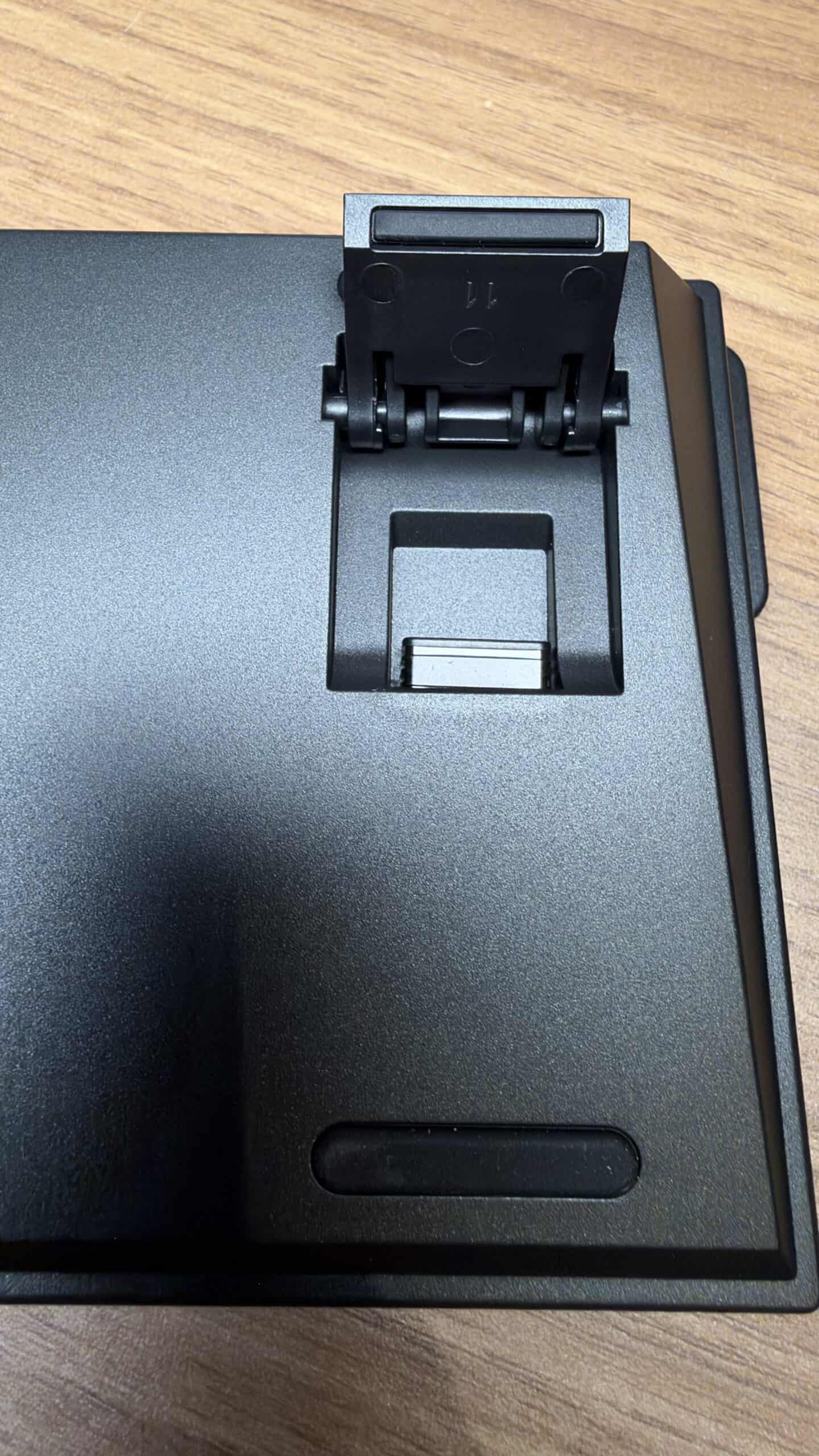
Purely on looks, the Epomaker HE60 is a winner. The 60% form factor remains as appealing as ever for decluttering a desk and opening up a massive runway for mouse sweeps. Fit and finish are clean, the ABS chassis feels sturdy, and the keycaps are surprisingly solid. So far, so good.
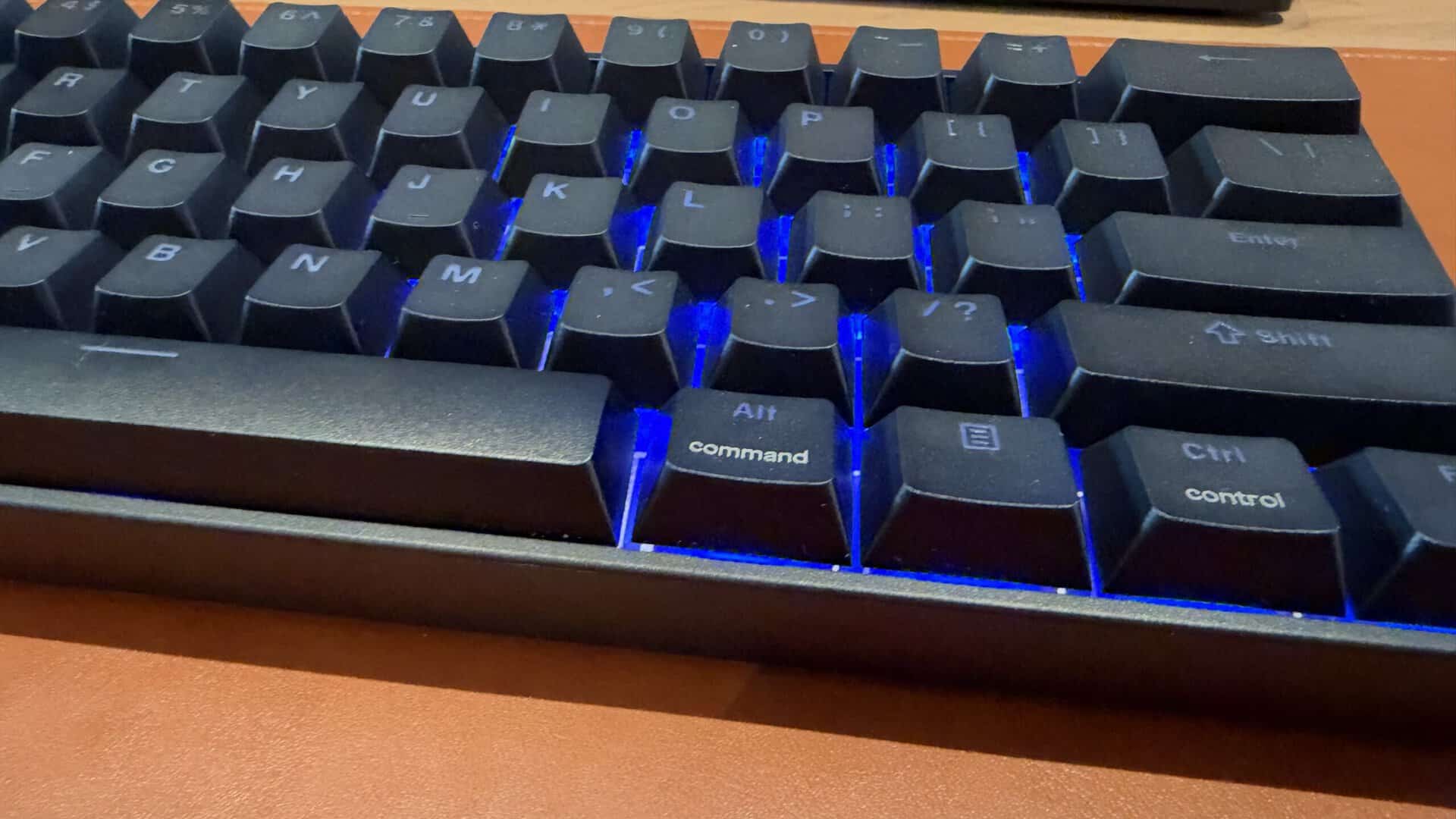
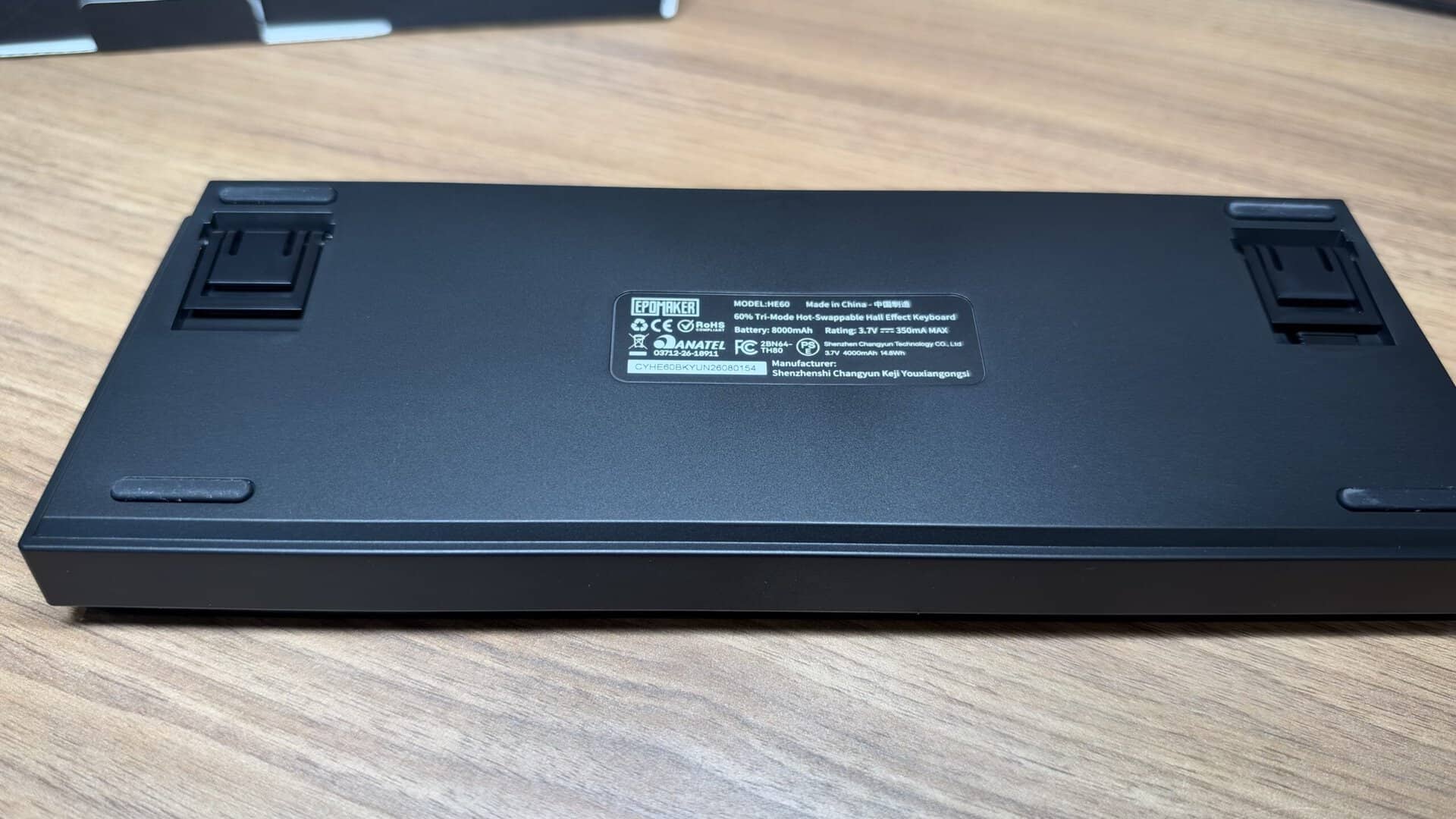
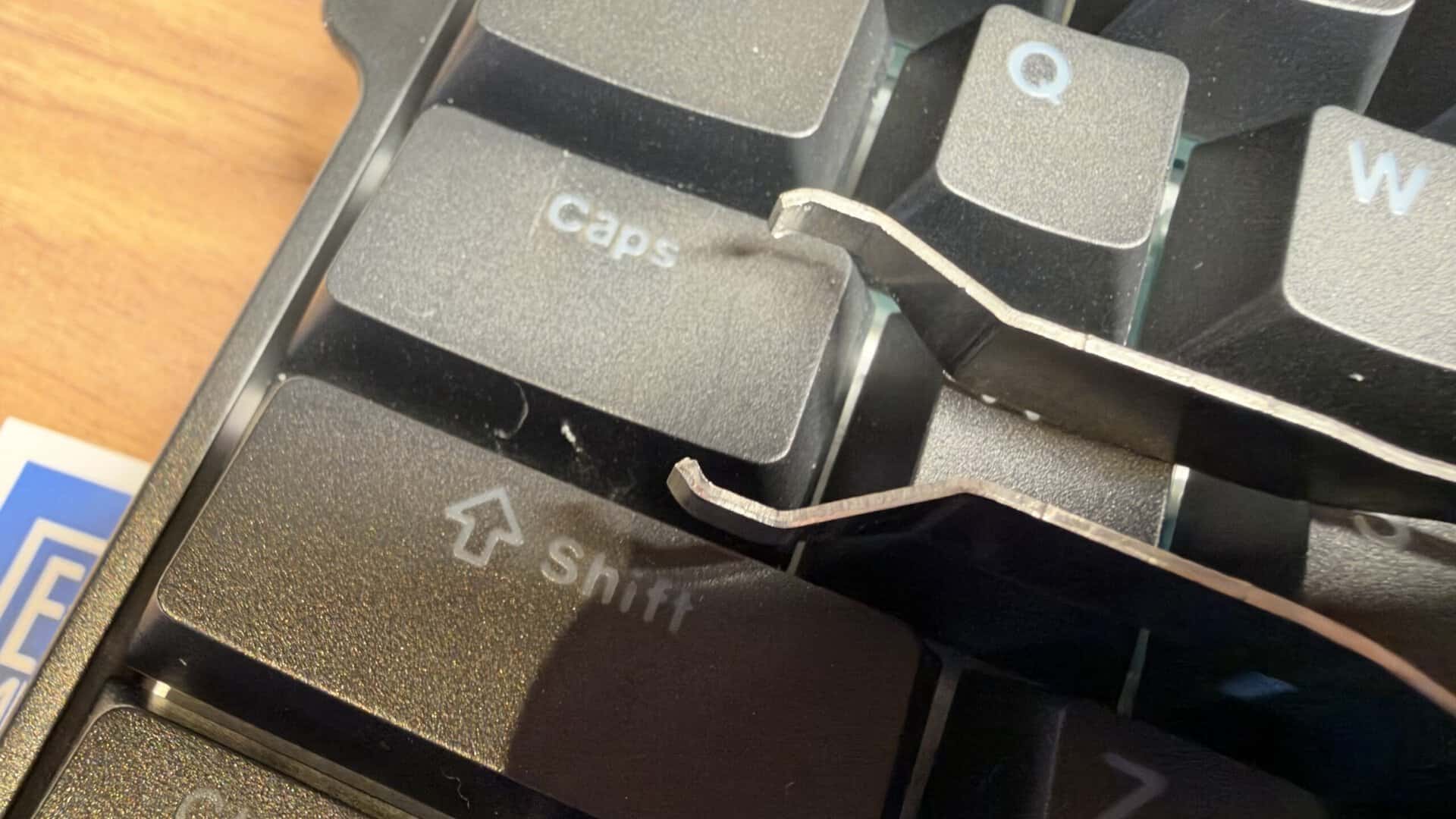
But we need to address the elephant in the room. Whoever engineered the connectivity toggle—for switching between wired, 2.4 GHz wireless, and Bluetooth—must have had a deeply questionable epiphany. The physical switch is buried underneath the Shift key (or Caps Lock on some revisions). Yes, you read that right. To change connection modes, you have to pry off the keycap using the included puller. Being personally blessed with two left hands, the whole ordeal turned into a clumsy struggle that ended with me scratching the plastic around the switch. I’ll take partial blame for the cosmetic carnage, sure, but the underlying idea is still fundamentally dumb and excruciatingly impractical for everyday use.
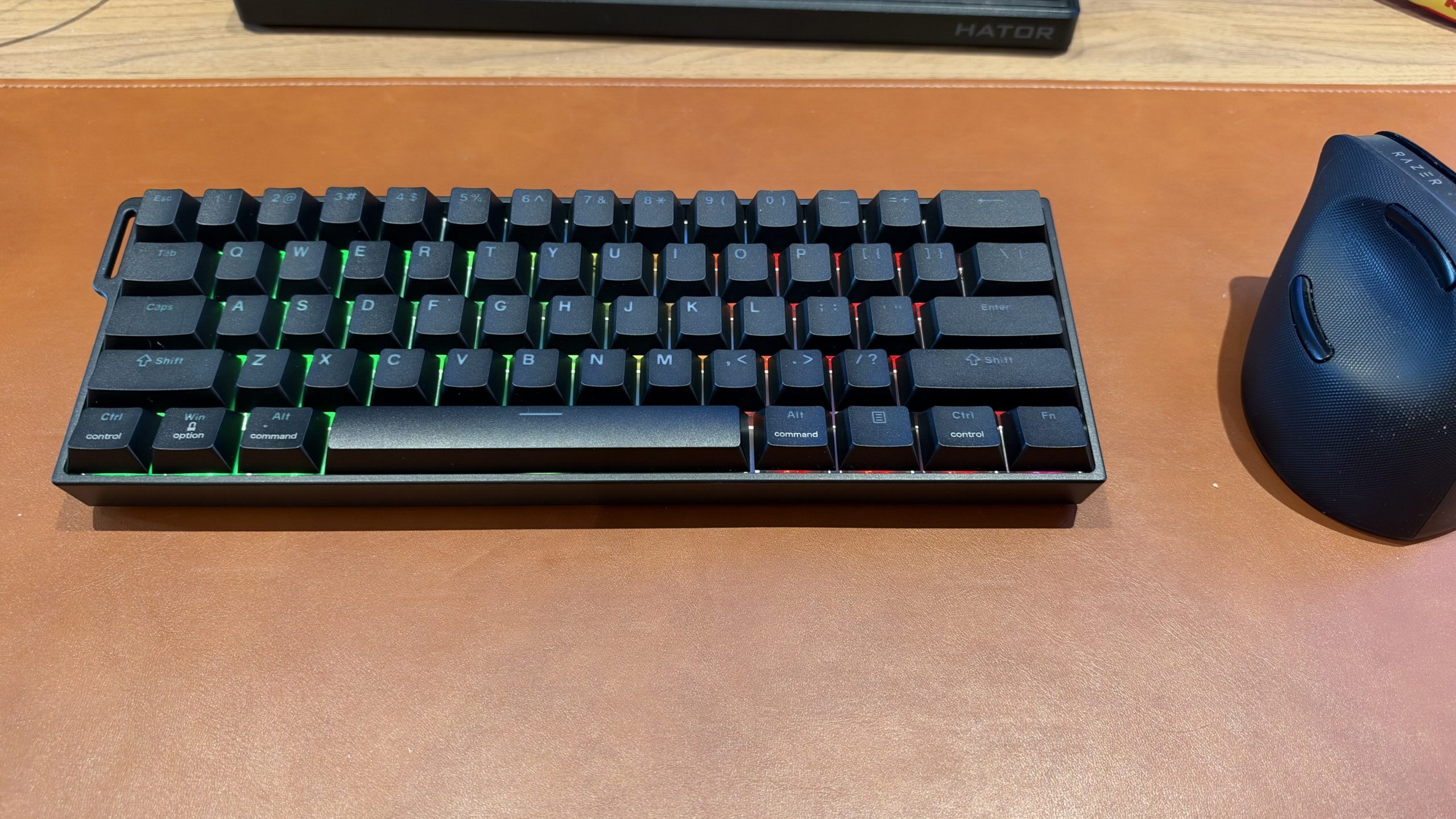
Performance and Daily Use: The Budget Esports King
Once you look past that baffling ergonomic choice, the HE60 redeems itself in spectacular fashion the second you load into a match. Delivering magnetic Hall Effect switches and an 8000 Hz polling rate at this price point is a genuine manufacturing feat. The switches register the tiniest shift in magnetic field, enabling razor-sharp Rapid Trigger and absurdly granular actuation-point tuning.
,idx:3},{alt:
In the heat of a competitive FPS match, every keystroke feels surgically responsive. It’s unmistakably the ideal sidekick for late-night ranked grinds where a single millisecond decides between landing a headshot and staring at the respawn timer. Its massive 8000 mAh battery also keeps you fragging for hours on end without having to worry about plugging in a cable.
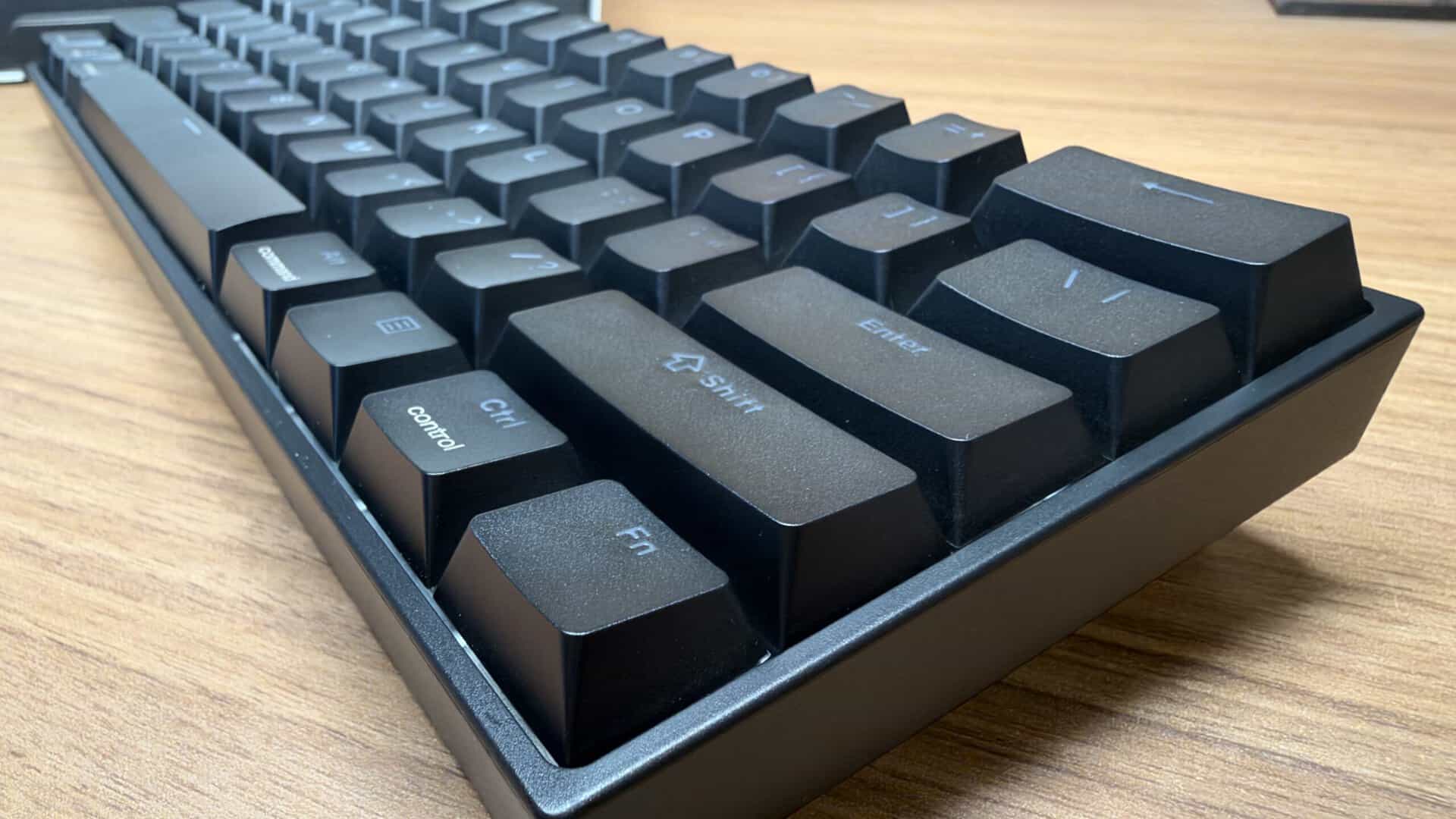
Fair warning to your eardrums and your social life, though: the HE60 is anything but subtle. The mechanical clack is seriously loud—crisp, punchy, and guaranteed to get you fired on the spot if you dare bring it into an open-plan office. Best kept strictly inside your well-insulated gaming cave.
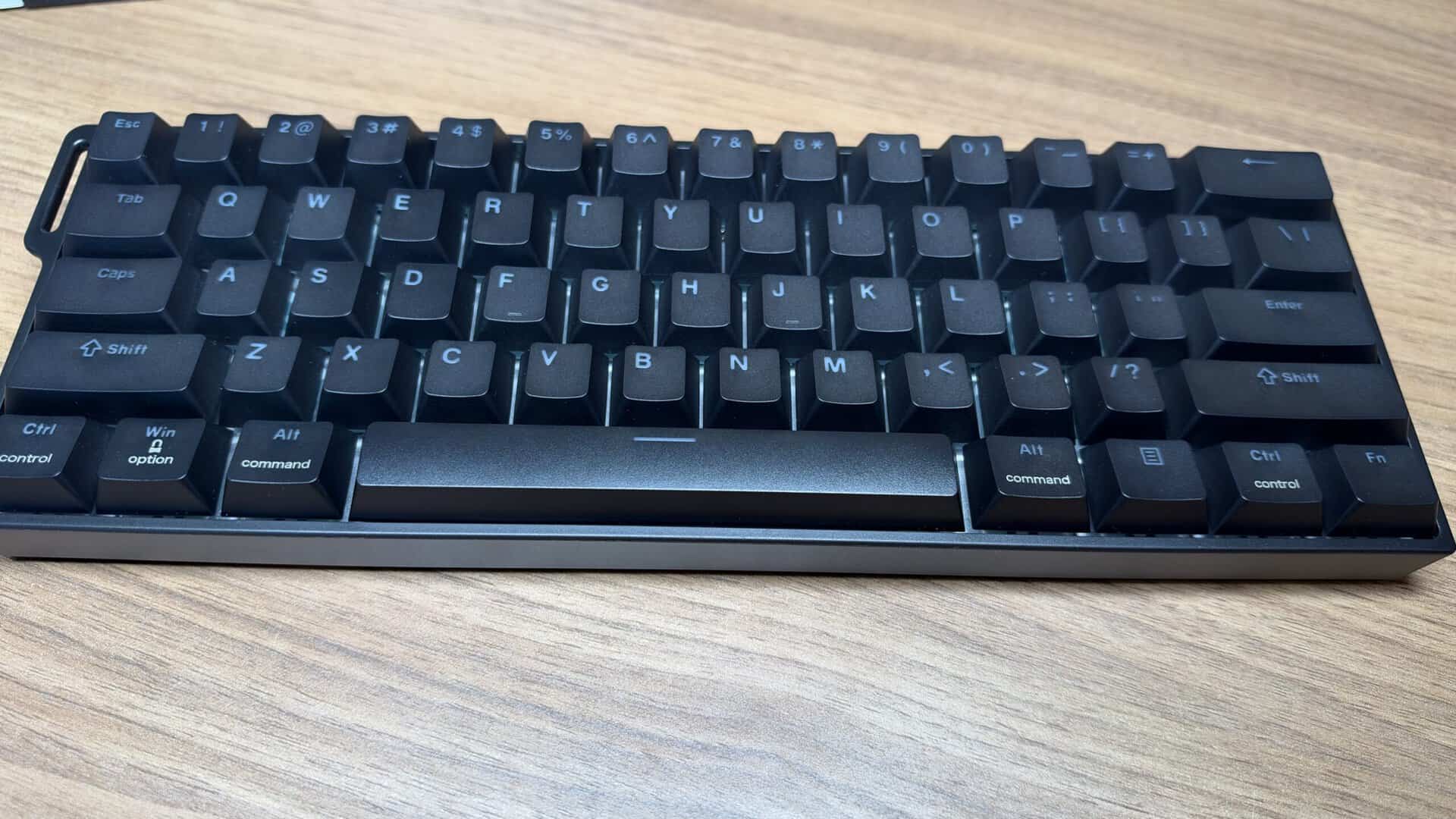
,idx:5},{alt:
Head-to-Head with the Competition
In the 60% magnetic keyboard arena, the Wooting 60HE still wears the crown, but it costs nearly three times as much. That makes the Epomaker HE60 the ultimate entry ticket for cash-strapped gamers who refuse to compromise on speed.
If magnetic switches aren’t your thing and you’d rather have a quieter, softer typing feel, Epomaker’s lineup has plenty of gems. You can lean into something quirky with our Epomaker TH40 review or aim for pure typing bliss in our Epomaker AULA F75 review. And if you love retro aesthetics, go check out our Epomaker Glyph review, which remains a fantastic pick.
Epomaker HE60 Review: Should You Pull the Trigger?
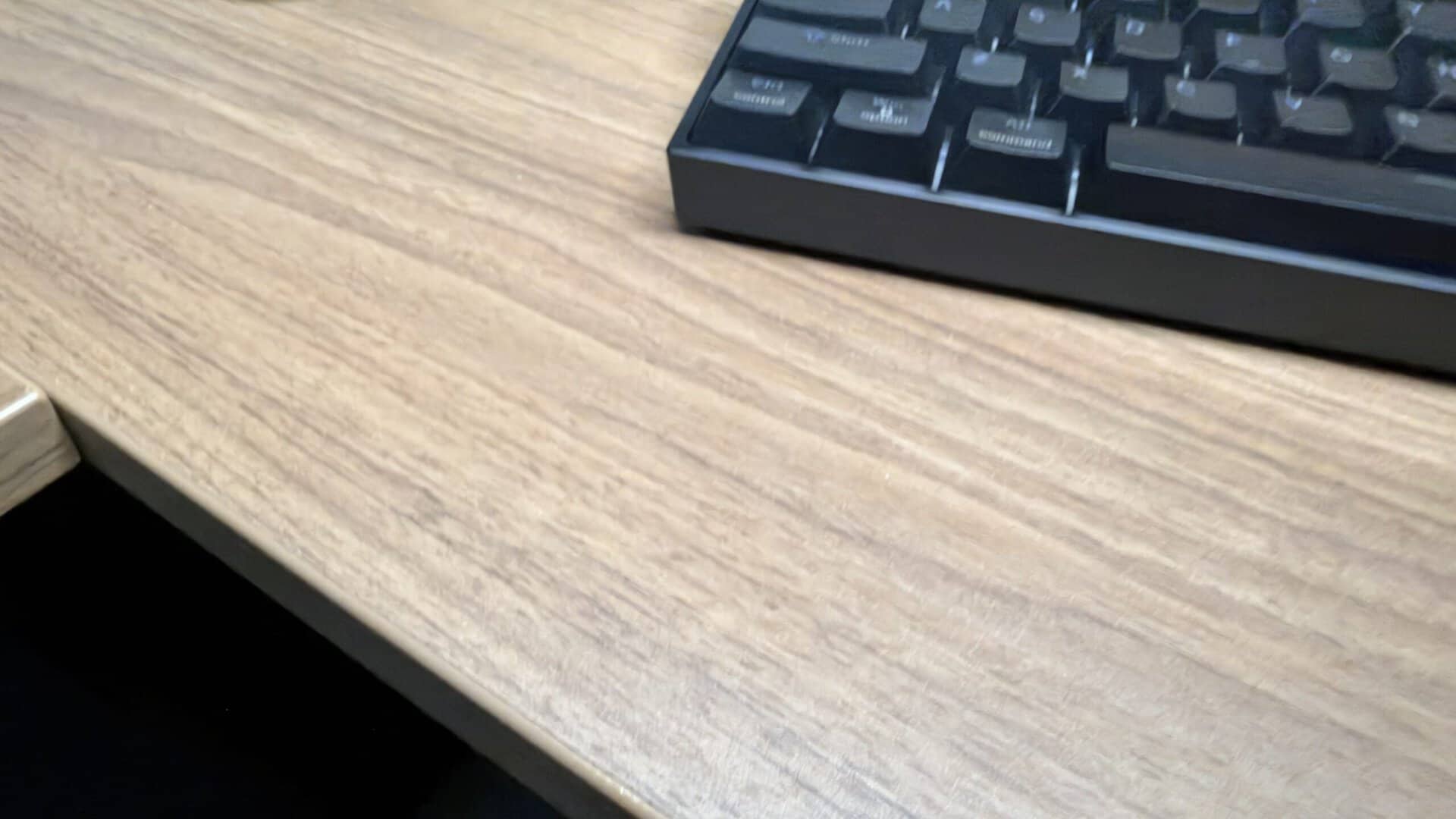
The Epomaker HE60 is a fascinating paradox. It’s dirt cheap and absurdly stacked on paper, yet kneecapped by that poorly thought-out mode switch. If you regularly bounce between three different machines over the course of a day, this keyboard will drive you up the wall.
,idx:7},{alt:
On the flip side, if you plug it in—or pair it once and leave it parked—strictly to grind competitive games, it delivers stratospheric performance for pocket change. A true sweat’s keyboard.
FAQ: Your Questions Answered
Why choose a 60% layout keyboard?
The 60% form factor ditches the number pad, dedicated arrow keys, and the top function row (F1 to F12) to keep the footprint as tiny as possible. It’s the go-to layout for pro FPS players because it lets you bring your hands closer together and frees up huge amounts of desk space for sweeping mouse movements.
What is a magnetic (Hall Effect) switch?
Unlike a traditional mechanical switch that relies on physical metal contact to register a press, a magnetic switch uses sensors to measure the exact travel distance of the key continuously. That allows you to customize actuation sensitivity per key (Rapid Trigger) and reset the key the instant you lift your finger—a massive edge in fast-paced games.