Some tech trends never truly die—they just wait for their comeback tour. Twenty years ago (okay, thirty—no need to start counting wrinkles), enthusiasts’ desks were dominated by massive, beige-gray plastic slabs with a big hump down the middle. With the Razer Pro Type Ergo, the triple-headed snake brand brings back that classic ergonomic “Wave” layout, injecting it with modern hardware: low-profile mechanical switches, dual rotary dials, and a remarkably understated build. Having spent years typing on compact TKL boards, I was curious to see if this blast from the past could legitimately replace my daily driver in 2026.
Review of the Razer Pro Type Ergo: an impeccably built Wave ergonomic keyboard featuring satisfying low-profile switches and two programmable rotary dials. Ideal for marathon typing sessions and strategy games, despite its bulky desk footprint.
Check Razer Pro Type Ergo on Amazon
Design and Ergonomics: A Nostalgic Wave Your Wrists Will Thank You For
Right out of the box, this keyboard commands respect. The build quality of the Razer Pro Type Ergo is spotless, sporting a clean gray-and-black aesthetic that makes a refreshing break from the brand’s usual aggressive gamer styling. The integrated wrist rest is flat-out fantastic: the plush foam delivers soft, supportive cushioning built for long writing days.
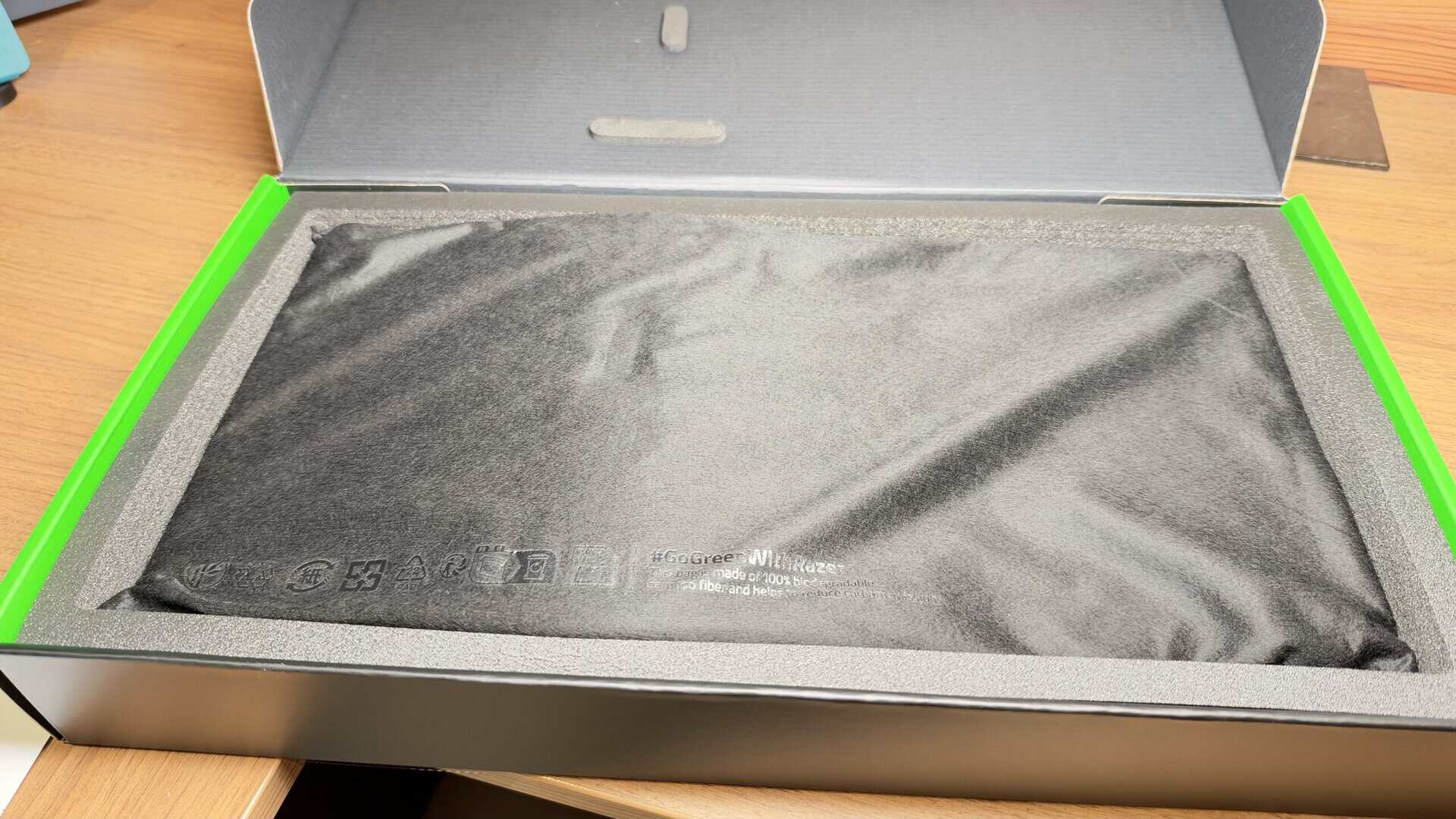
When it comes to height adjustment, Razer didn’t cut corners. You get a front riser for negative tilt alongside two rear incline settings. That reverse slope—something we already saw on classic Microsoft ergonomic keyboards thirty years ago—remains brutally effective. Your hands drop into a natural resting angle immediately, taking the strain right off your wrists.
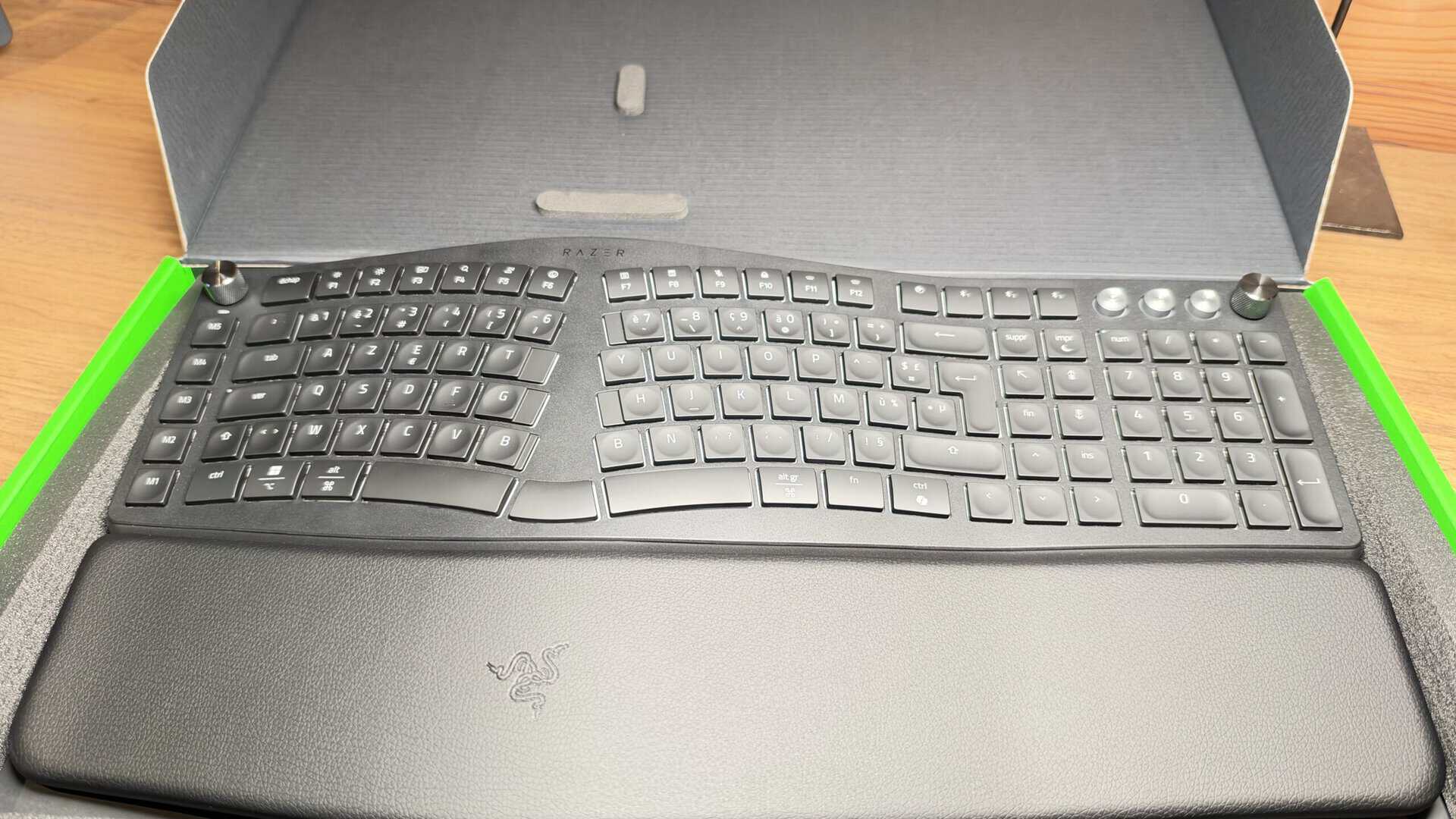
The keys rely on low-profile mechanical switches with a deeply satisfying click that still stays polite and quiet. If you like the short key travel of the Razer Huntsman V3 Pro Low Profile, you’ll feel right at home. One quirk of the layout: the “B” key is duplicated right across the central split. As a fast touch-typist who never looks down at my fingers, my muscle memory naturally defaulted to the left one without ever touching the second key. It’s an ergonomic oddity that will take a little getting used to before you make full use of both.
The only catch with this generous frame: it is clearly not built for travel. Given its massive footprint, you won’t be tossing this beast into a backpack for hot-desking days at the office.
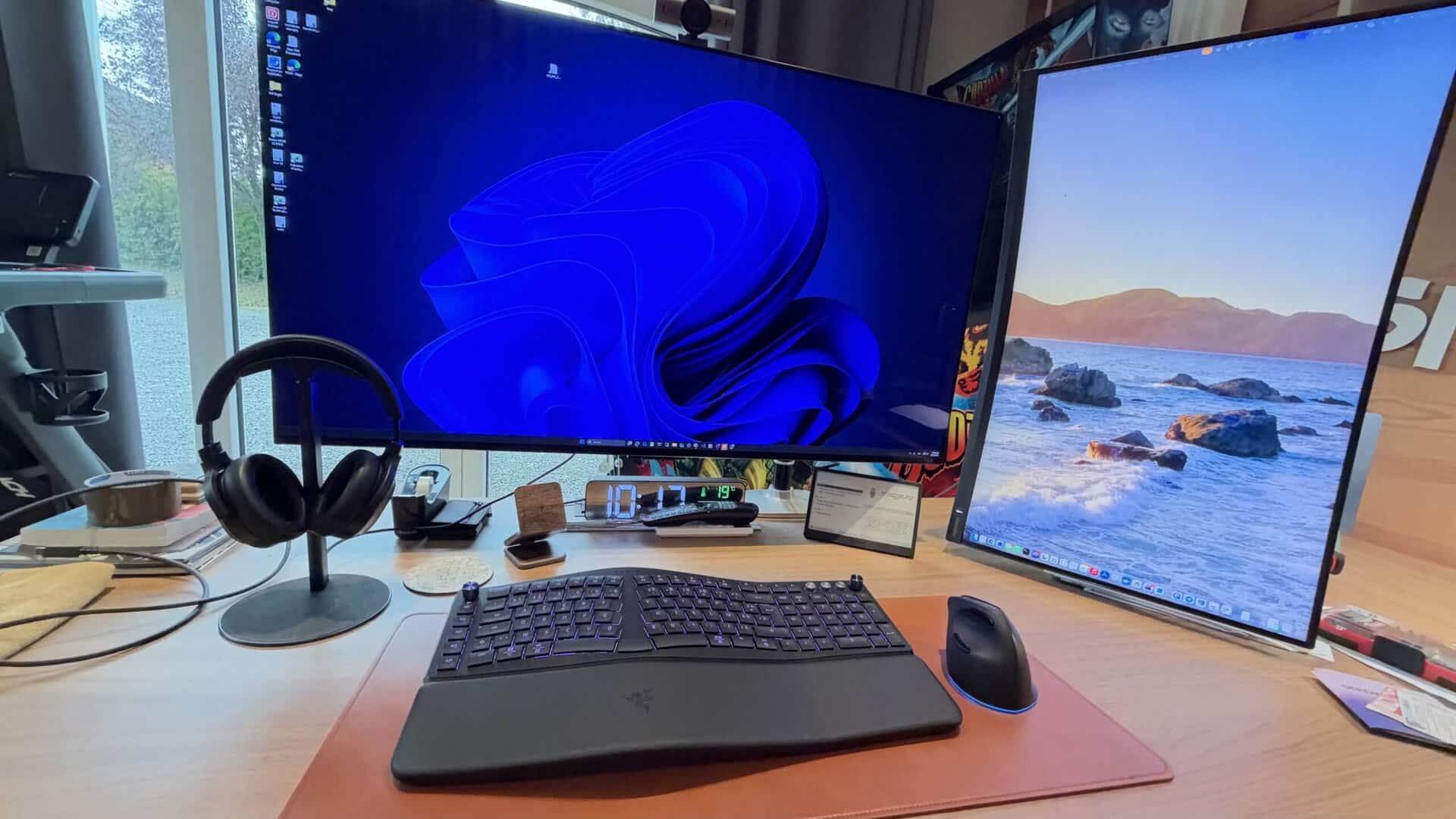
Performance and Use: Dual Dials and Zero Learning Curve
The biggest pleasant surprise is how fast you adapt to it. While a true physically split keyboard usually demands a painful re-learning phase, transitioning to the Pro Type Ergo’s Wave layout felt effortless. I was back up to full typing speed within the very first couple of paragraphs.
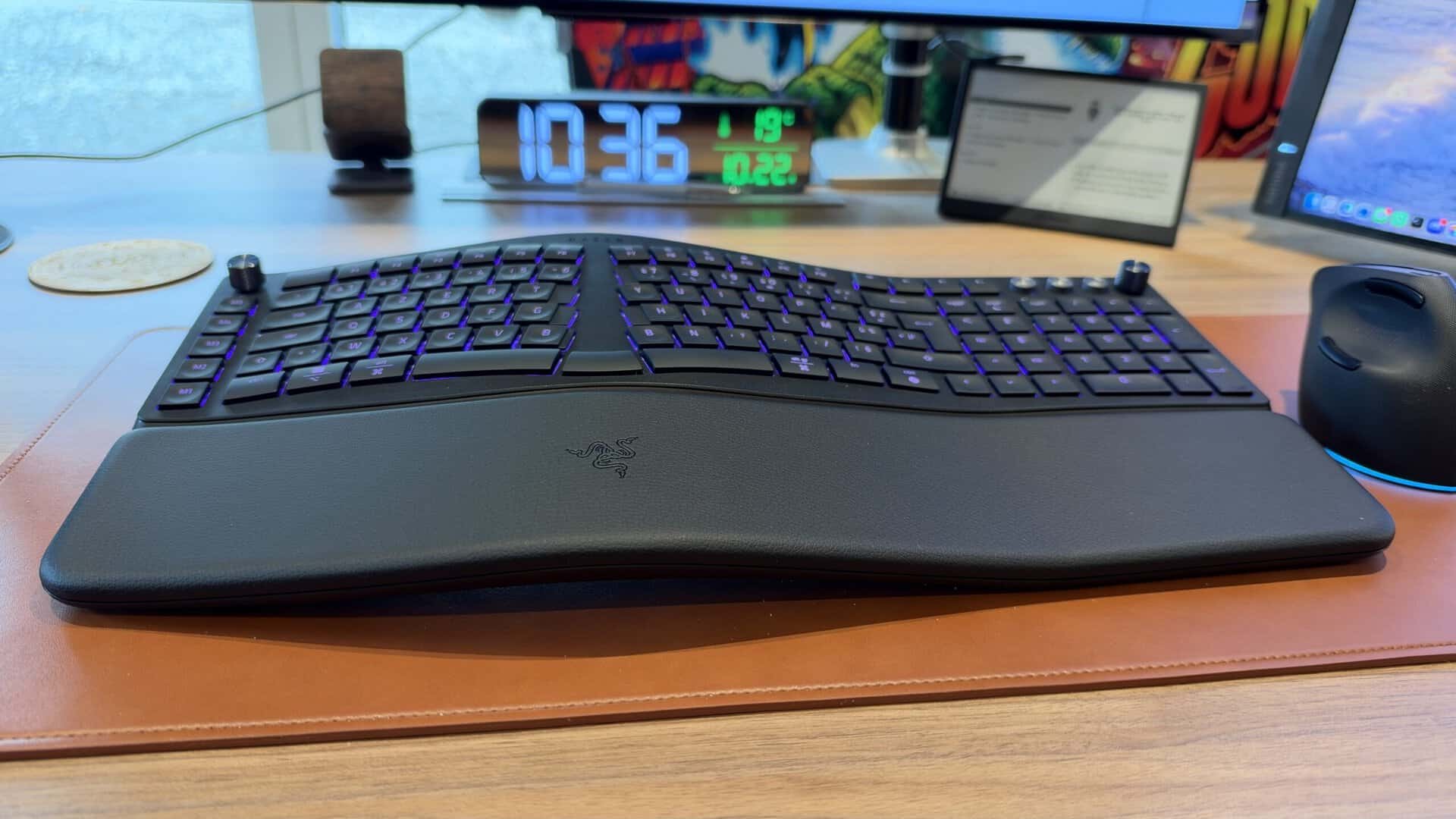
The other standout trick up this chassis’s sleeve is the pair of rotary dials perched on either side of the top edge:
- The right dial: handles volume adjustments and quick media playback controls.
- The left dial: lets you cycle on the fly between different macro key profiles.
As tempting as it is to spin both wheels playing Sound Voltex, their real-world value lies elsewhere. Being able to swap macro profiles with a flick of the wrist feels ridiculously smooth in creative apps or strategy games. Setting up my shortcuts gave me an instant hit of nostalgia—that level of customization took me straight back to grinding StarCraft 2 on my old Logitech G15. Ah, if only I were twenty again!
Compared to ultra-compact esports-focused boards like the Hator Skyfall 65 Mag Ultima Wireless or versatile wireless all-rounders like the Corsair Vanguard Air 99 Wireless, the Razer Pro Type Ergo stakes out completely different territory: pure comfort for desk-bound workaholics who refuse to give up granular macro control.
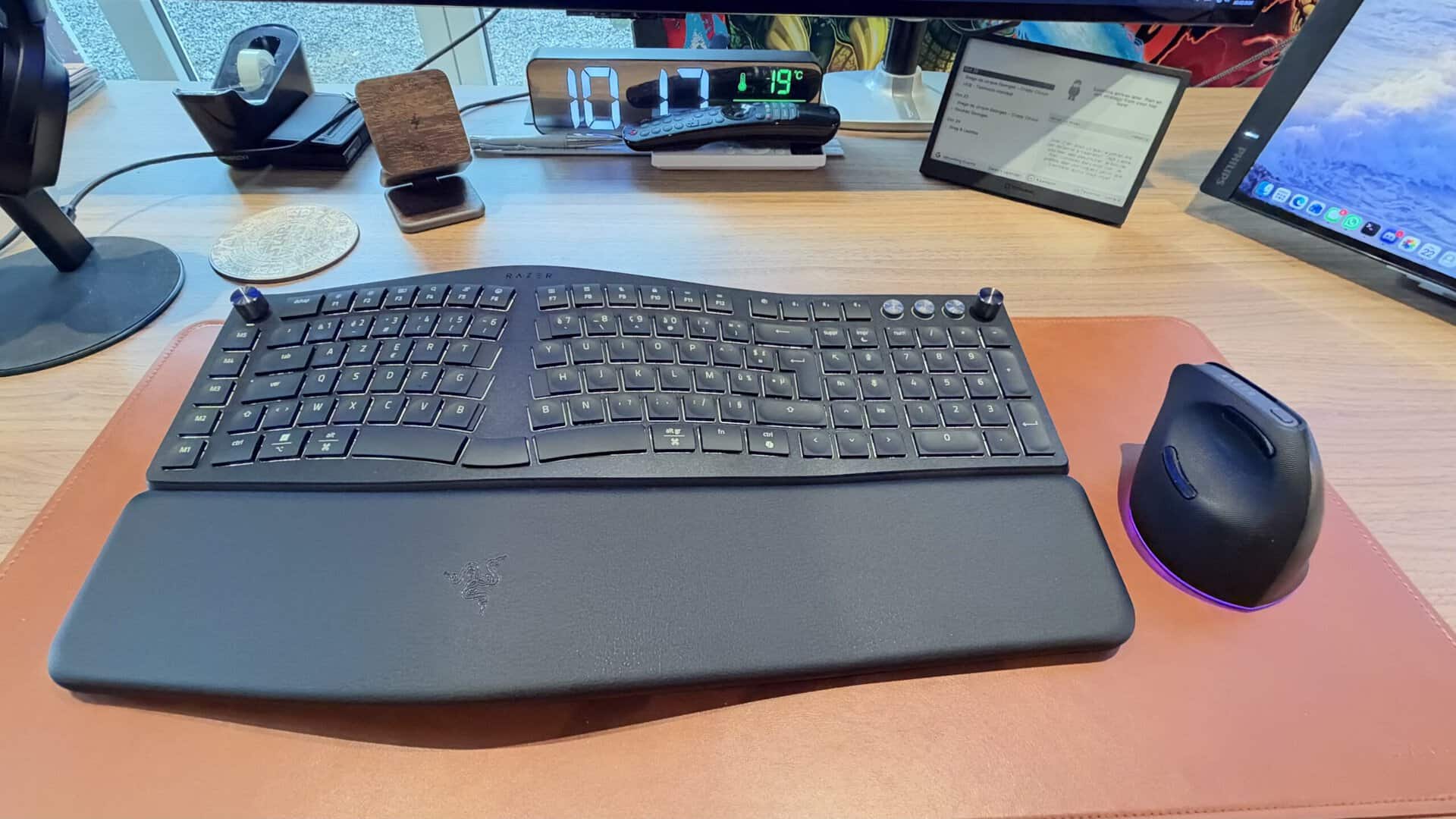
Razer Pro Type Ergo Review: Ultimate Comfort, Big Desk Required
Razer has crafted an exceptional keyboard here for anyone seeking a supremely comfortable, understated workhorse without sacrificing power-user features. The Razer Pro Type Ergo shines thanks to its snappy key feel, plush wrist rest, and natural Wave ergonomics that protect your joints over the long haul. You’ll just need to carve out dedicated real estate on your desk and accept that it’s staying put. So—are you ready to ditch your traditional flat boards and ride the ergonomic Wave again?
Buy the Razer Pro Type Ergo at the best price
FAQ
Why are there two “B” keys on the Razer Pro Type Ergo?
On split or “Wave” ergonomic layouts, the B key sits right at the central dividing line. Razer included two B keys to accommodate both left-handed and right-handed B typists equally well.
Is the Razer Pro Type Ergo good for gaming?
Definitely. Even though it’s geared primarily toward productivity, its responsive low-profile mechanical switches and dedicated macro-switching dials make it a great fit for RTS games, MOBAs, or MMOs packed with programmable keybinds.
Is it hard to get used to the Wave ergonomic layout?
Unlike fully split two-piece keyboards, the Wave design keeps everything on a single gently curved chassis. If you already touch-type, adjusting to it feels almost instantaneous.