Stellar Blade is easily one of my favorite PS5 games, so skipping this Switch 2 port wasn’t even an option. Still, I went in equal parts hyped, curious, and a little nervous—translating EVE’s razor-sharp, fast-paced combat onto a hybrid handheld is a gutsy gamble. So, did they pull it off or drop the ball? Let’s break it all down.
Stellar Blade Complete Edition on Switch 2 is a solid, content-packed port that reaches 60 fps through frame generation at the cost of softer textures, reduced draw distance, and uneven frame pacing. Docked mode delivers the smoothest experience, and trying the free eShop demo first is a smart way to avoid any surprises.
Check Stellar Blade Complete Edition on Amazon
Stellar Blade on Switch 2 Specs
| Spec | Details |
|---|---|
| Platform | Nintendo Switch 2 |
| Developer / Publisher | SHIFT UP |
| Release Date | November 5, 2026 |
| Genre | Action, Adventure, RPG |
| Players | 1 |
| Rating | PEGI 18 / ESRB M (Mature 17+) |
| File Size | 25.3 GB |
| Languages | 13 languages (including English and French) |
| TV Mode | 1080p upscaled via DLSS |
| Handheld Mode | 720p upscaled via DLSS |
| Frame Rate | 60 fps via FSR 3.1 frame generation (30 fps base) |
| Included Content | NieR:Automata DLC, GODDESS OF VICTORY: NIKKE DLC, Bayonetta collaboration |
| Features | HDR, touchscreen, Joy-Con 2 motion controls (outside combat), cloud saves |
| Demo | Yes, free on the Nintendo eShop |
A Complete Edition That Actually Earns the Name
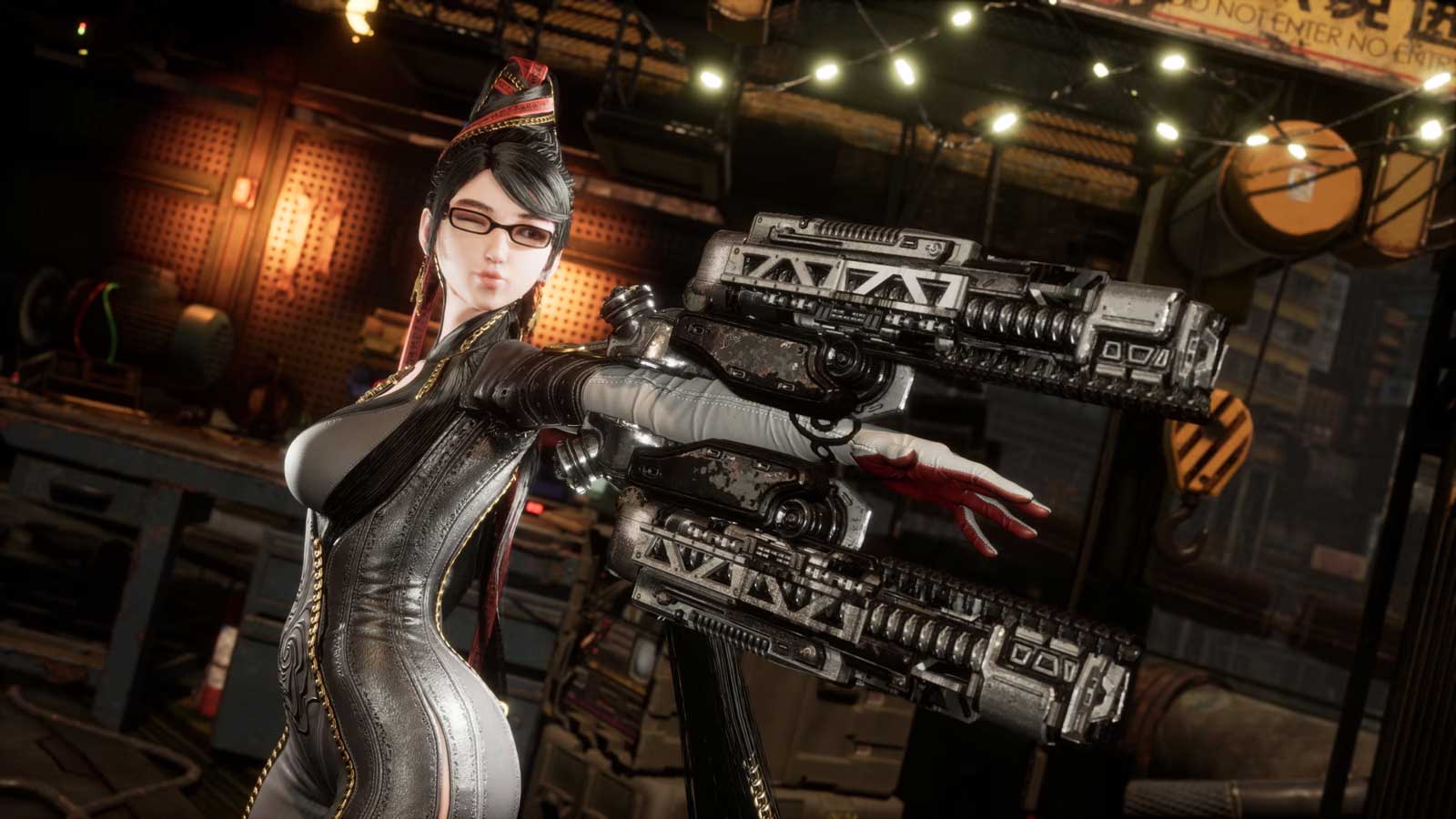
First win right out of the gate: Stellar Blade on Switch 2 is the fullest package available to date, because SHIFT UP definitely didn’t skimp on content. The NieR:Automata DLC brings Emil’s shop into the game, along with 2B and A2 outfits for EVE, a 9S outfit for Lily, Emil’s headpiece for Adam, and a Pod 042 skin. The NIKKE DLC goes even further with a proper slice of extra gameplay: a boss showdown against Scarlet, shooting mini-games, a new shop, and a fishing activity. And just to top it all off, the Bayonetta collaboration drops in with four outfits, including “Jeanne” and “Nun.”
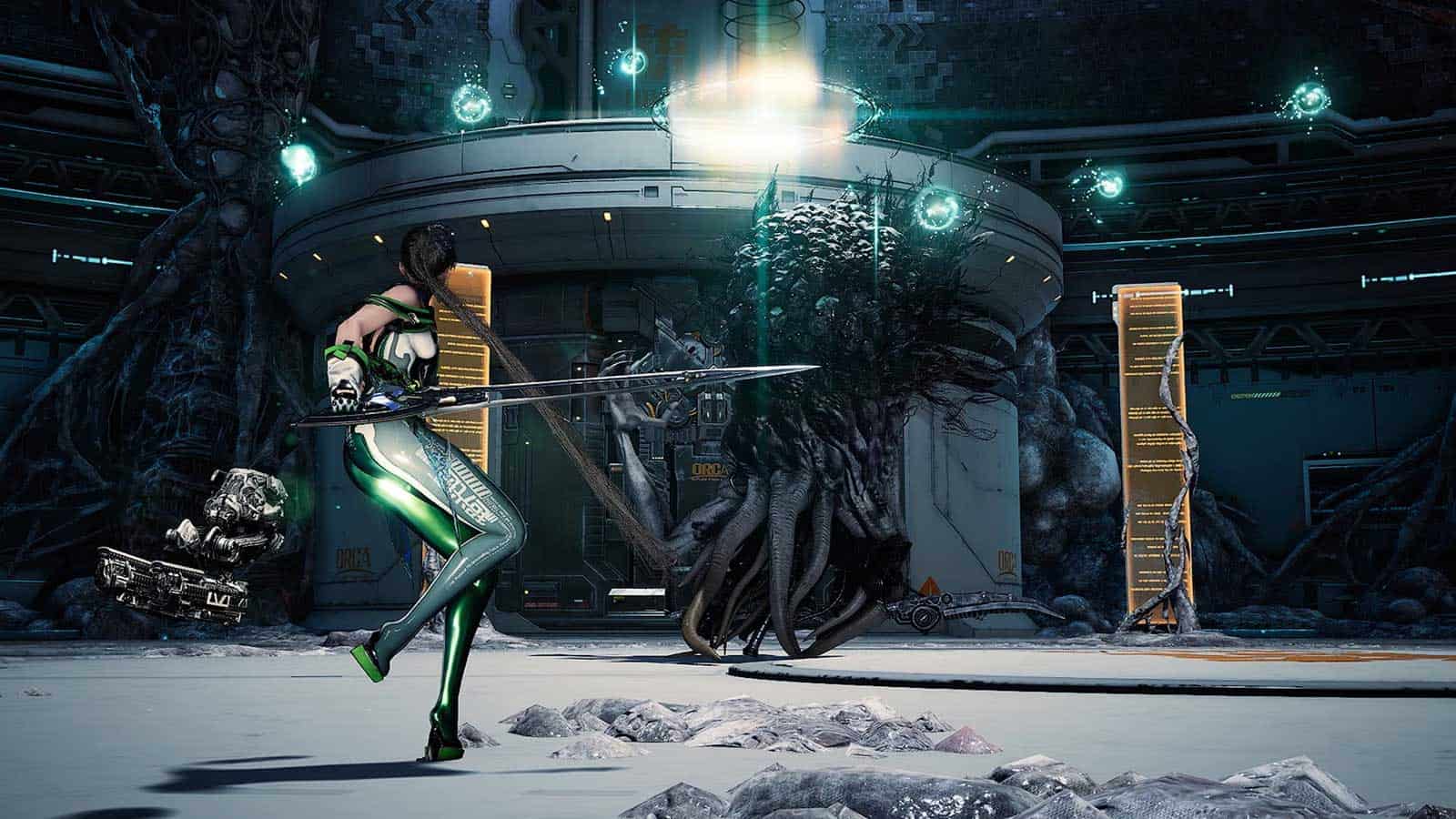
Quick heads-up for anyone eager to equip everything right away: some of these bonuses only unlock once you’ve made progress in the main story. As for Switch 2-specific touches, SHIFT UP tucked in Joy-Con 2 motion controls for certain non-combat activities—more of a neat novelty than a must-have, though still fun to mess around with. On the storage front, we’ve seen far worse, though you’ll still want to clear just over 25 GB for the download.
Stellar Blade Performance on Switch 2
Once Stellar Blade is installed, it’s time to jump straight into the action. Before diving in, I should clarify two things: there are no separate graphics presets to toggle, and that advertised 60 fps isn’t native. The game renders at a 30 fps base, AMD FSR 3.1 frame generation doubles the output, and DLSS takes care of upscaling. Don’t panic, though—in terms of feel, it genuinely holds up. I just wanted to set expectations honestly before we get into the weeds.
In docked mode, the game outputs at 1080p upscaled from an undisclosed internal resolution—one that definitely feels a bit on the low side. Even so, this is hands-down the best way to play. On my Sony Bravia, the experience felt fairly smooth overall, aside from a few dips during the loudest set pieces, like the massive explosions in the opening sequence. The real shame is that the frame rate isn’t capped, which creates a slightly floaty feel on a big TV. EVE’s character model still looks crisp and detailed, though the surrounding environments can come across a bit flat thanks to softer textures, late asset streaming, and pop-in. Compared to the PS5 original, shadows, reflections, and environmental density have all been dialed back—no surprise there. Water reflections take the heaviest hit, foliage vanishes much sooner, and the shortened draw distance remains the most glaring compromise.
Switch to handheld mode, and Stellar Blade drops to 720p upscaled while still aiming for 60 fps via frame generation. I found it totally playable, if a little strained, though credit where it’s due: the Switch 2’s gorgeous screen does a lot of heavy lifting to keep it looking good. Unfortunately, the uneven frame pacing makes split-second parries and dodges noticeably trickier—a real sting in a game built around razor-tight timing. If you play predominantly handheld, I’d honestly recommend switching to Easy mode for more forgiving timing windows. Dynamic resolution shifts and pop-in are also easier to spot up close, character models look rougher, and wide-open zones lose some fine detail, even if cutscenes still shine. All that said, I’d still love to see how this compares side-by-side on a Steam Deck, even knowing Switch ports are almost always far better tailored to their hardware than PC games running on handhelds.
How It Stacks Up Against the Competition
On PS5, Stellar Blade remains the most straightforward way to get strong visual fidelity and rock-solid performance. Everything the Switch 2 trims down—from draw distance to water reflections—stays completely intact there. Against that, the Switch 2 version plays one massive trump card: true portability, bundled with a stacked Complete Edition right from day one. Of course, a PC and Steam Deck combo also lets you take EVE on the road, though you’re looking at a completely different budget. Let’s not knock what Nintendo’s new hardware pulls off here, either—the Switch 2’s DLSS upscaling punches well above its weight. At the end of the day, your wallet and how you like to play will make the call for you.
Stellar Blade Switch 2 Verdict
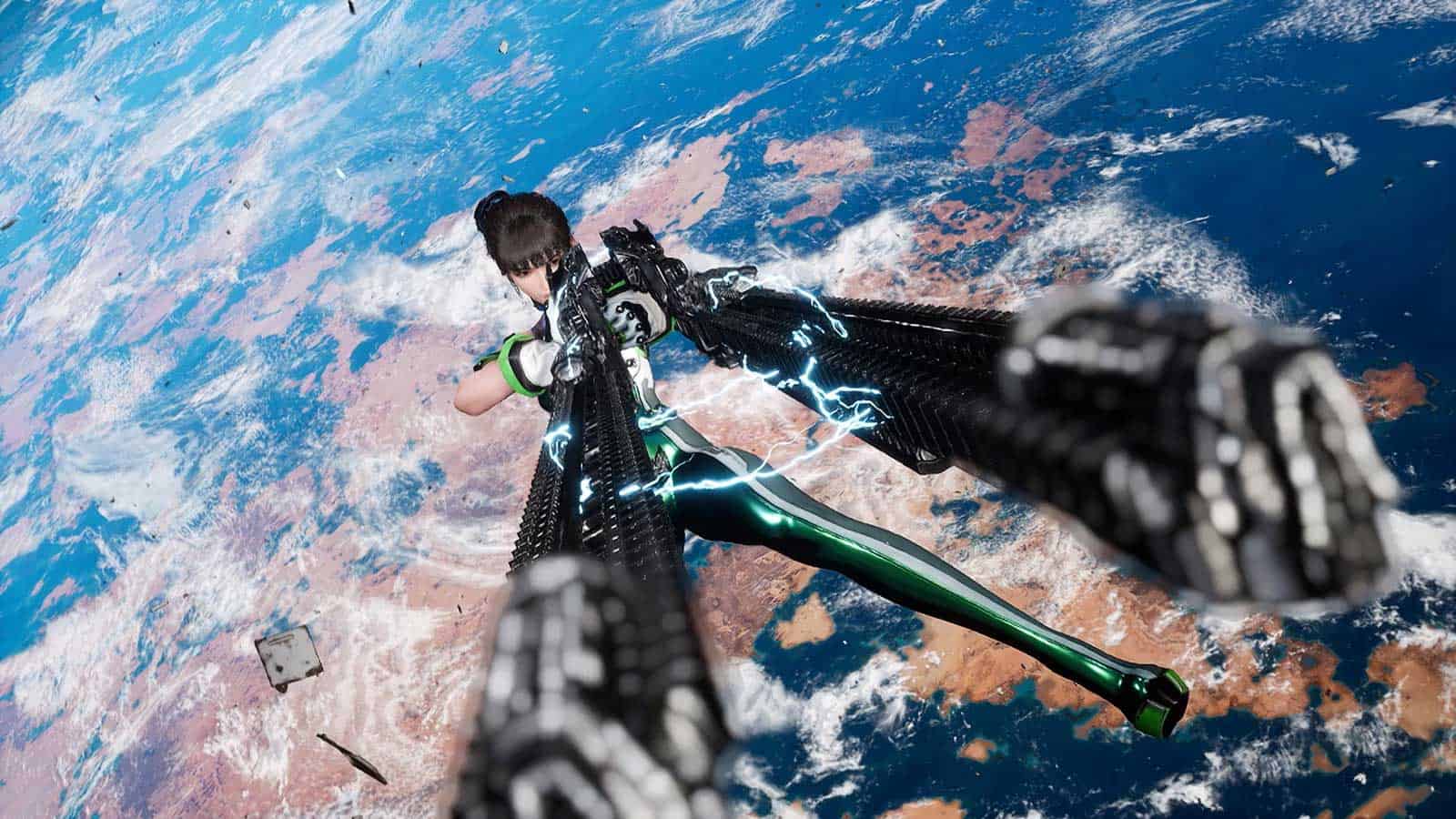
Stellar Blade on Switch 2 is a remarkably solid port built on smart, honest compromises: textures, draw distance, and frame-rate stability take the hit so the action can run on the go. Docked mode is comfortably the better way to experience it, while handheld mode gets the job done on a commute or curled up in bed. Best of all, there’s a free demo sitting on the eShop—definitely give it a spin before dropping around $65 (€60) on the full release. I did notice slight input latency here and there alongside occasional frame-generation artifacts, though nothing close to a deal-breaker in my book; your mileage may vary depending on how sensitive you are to those quirks. So tell me: how badly do you want to bring EVE along on your morning train ride?
Buy Stellar Blade Complete Edition on Amazon
Stellar Blade Switch 2 FAQ
Does Stellar Blade really run at 60 fps on Switch 2?
Not natively. The game runs at a 30 fps base, which AMD FSR 3.1 frame generation interpolates up to 60 fps. It looks and feels smooth in motion, though frame generation can introduce slight input latency and minor visual artifacts.
Is it better to play in TV mode or handheld mode?
TV mode offers the most comfortable experience, pairing a 1080p upscaled image with steadier overall pacing. Handheld mode drops to 720p and remains very playable, though its uneven frame rate can throw off tight parry timings.
Is there a demo, and what content comes included?
Yes, a free demo is available on the Nintendo eShop. The Complete Edition includes the NieR:Automata and GODDESS OF VICTORY: NIKKE DLC packs as well as the Bayonetta collaboration, though several bonus items unlock only after progressing through the main story.